
Hi,
friends if you have problem with network after upgrade N7100 just see how to fix this.
1 = root device with CF-Auto-Root-t03g-t03gxx-gtn7100.zip
2 = then update supersu from play store or just download SuperSU-eu.chainfire.supersu-194-v1.94.apk
3 = now open latest sumsung tool i used v 17.4 and click repair.
4 = now tick network repair and press ok.
friends if you have problem with network after upgrade N7100 just see how to fix this.
1 = root device with CF-Auto-Root-t03g-t03gxx-gtn7100.zip
2 = then update supersu from play store or just download SuperSU-eu.chainfire.supersu-194-v1.94.apk
3 = now open latest sumsung tool i used v 17.4 and click repair.
4 = now tick network repair and press ok.
Code:
Selected model: N7100
Selected port: COM9 Z3X BOX Serial Port
Selected port speed: 115200
Searching ADB device... OK
Reading phone info...
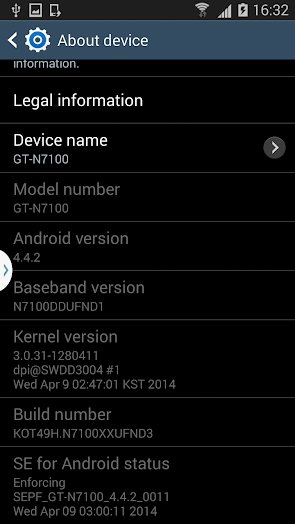
Model: GT-N7100
Android version: 4.4.2
Product code: Not Active
Phone version: N7100DDUFND1
PDA version: N7100XXUFND3
CSC version: N7100ODDFND2
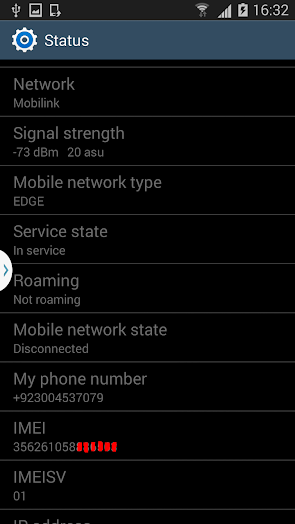
IMEI: 356261058******
Phone S/N: rf1d40040ya
Checking Super user right... true
Reading modem... OK
Patching modem... OK
Writing modem... OK
Reading kernel... OK
Rebooting phone... OK
Repair done
Done with Samsung Tool v.17.4

No comments:
Post a Comment